Bold fonts generator: copy & paste
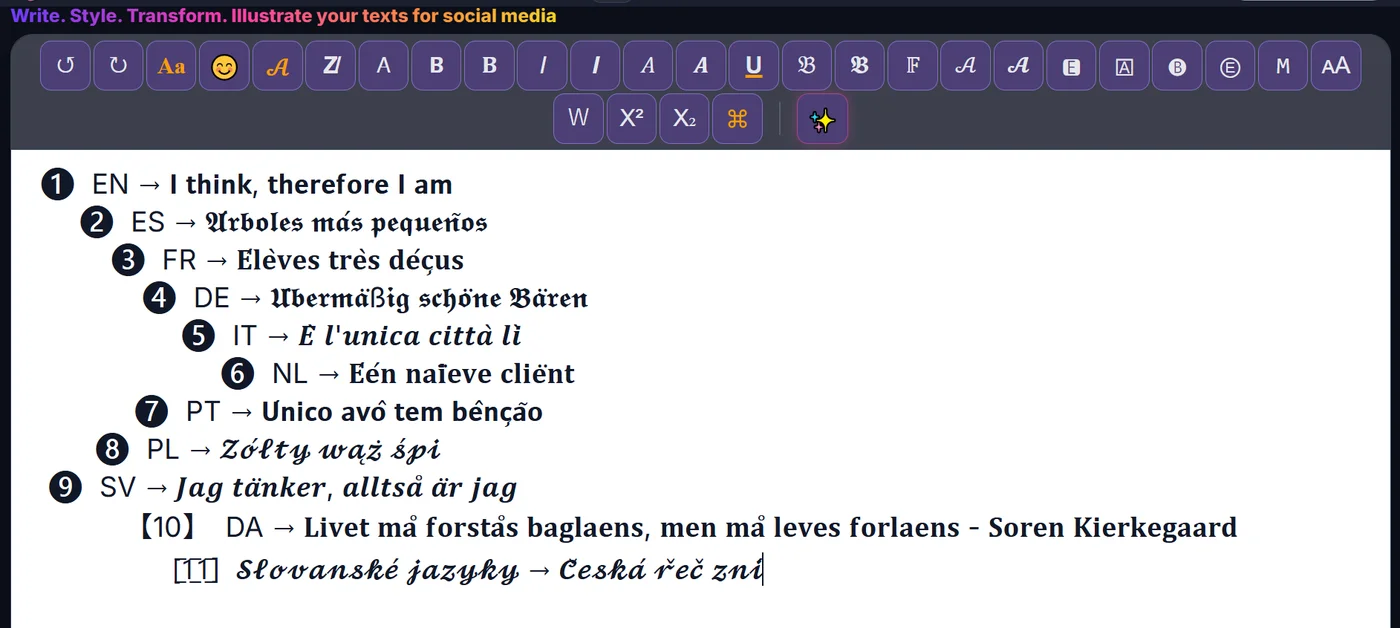
Create Bold fonts in seconds: type your text and ETeext turns it into Unicode you copy and paste anywhere. You see exactly what you get before pasting.
Bold thickens the strokes of letters to make them stand out. It's the most useful style day to day: a heading in 𝗯𝗼𝗹𝗱 in a post, a keyword in a bio, a call to action that catches the eye — right where the native editor offers no formatting. It's also the most compatible: it displays cleanly on almost every device, with very little tofu risk. If you're new to styled text, start here: maximum impact, minimum risk.

What Bold fonts look like
How to make Bold fonts
- Type or paste your text Write your text in ETeext.
- Pick the style and check it Choose this style; the styled version appears instantly.
- Copy and paste anywhere Copy your styled text and paste it where you want.
Compatibility & Safe Mode
These characters are real Unicode. Safe Mode favours the most widely supported ones — turn it on and your text looks the same everywhere.
Why choose ETeext
-
See it before you paste
WYSIWYG: what you see is what you can use and take anywhere — social networks, messaging, all kinds of apps…
-
As easy as a word processor
The ease of a word processor — for stylish text.
-
Whole paragraphs, many styles
Multiple styles in a whole paragraph — not just one line.
-
Offline-first
Everything stays on your device, even offline.
-
No ads, no tracking
No ads, no tracking. Your text stays on your device — except the optional AI.
Frequently asked questions
Bold fonts: what is it?
Bold fonts: styled Unicode characters that look different from normal letters but stay real, copyable text.