
Zalgo text: the “glitch” effect explained
What is Zalgo text?
Zalgo is a typographic effect with a real “wow” factor: surprising, spectacular and genuinely fun. It turns normal text into a distorted version overflowing with marks stacked above, below and through the letters. The result looks “corrupted,” “haunted” or “glitched,” as if the characters were spilling out of their bounds. It’s a highly recognizable style that has become an internet classic.
The name comes from a meme that emerged in the late 2000s, tied to a fictional creature and the idea of text “going haywire.” Since then, the term commonly refers to this chaotic visual style.
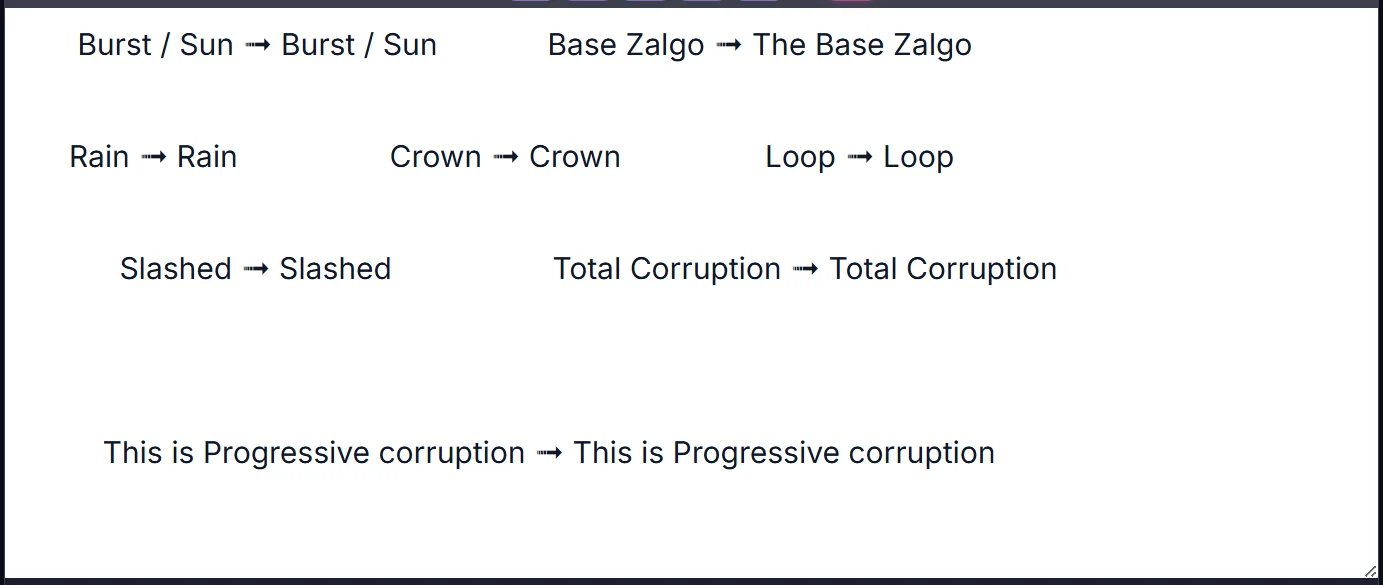
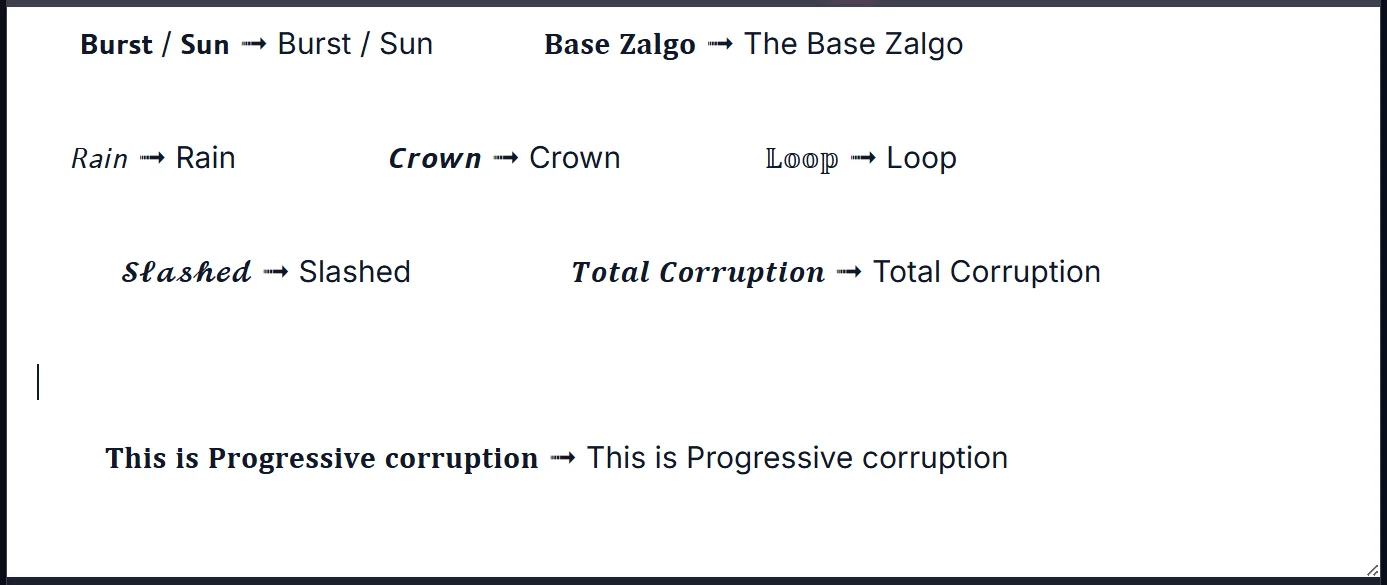
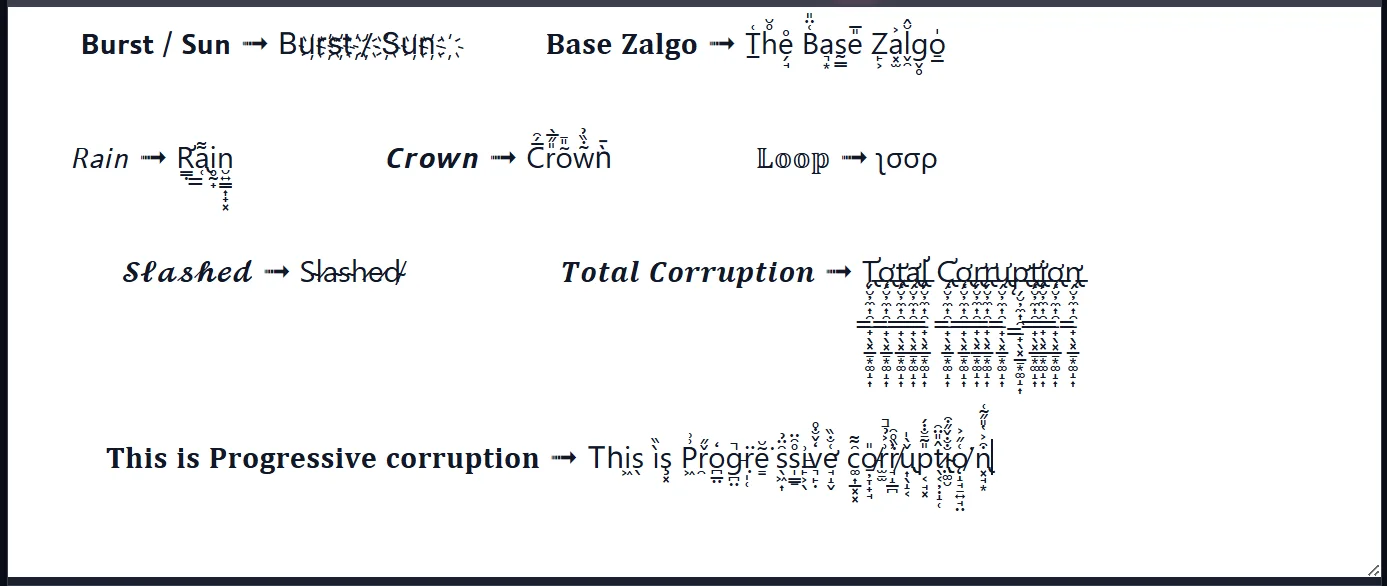
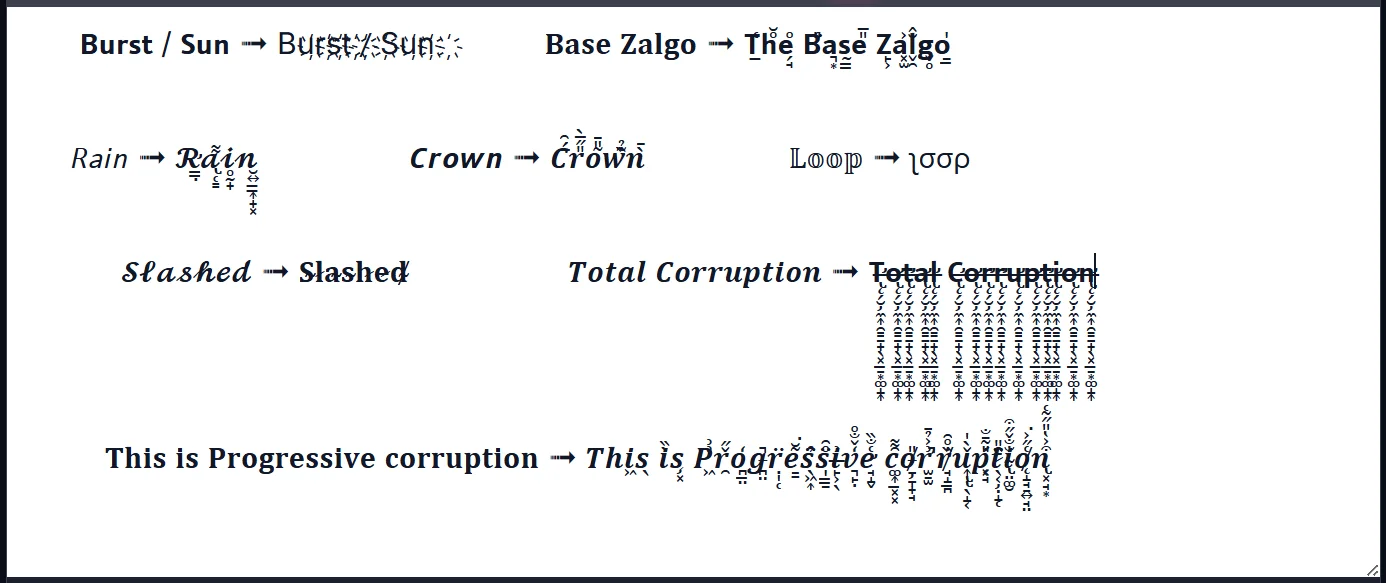
What is Zalgo used for?
Zalgo is, above all, a tool for visual expression. People use it to:
- grab attention in a feed, in a message, a comment, anywhere you want to “be seen” and stand out where everyone else writes normally;
- set a mood — horror, mystery, a “creepy” aesthetic, gaming or metal vibes;
- give a pseudonym, bio or title an artistic or provocative edge;
- signal a shift in tone, for dramatic or ironic effect.
It’s a style especially suited to social media bios, usernames, channel titles, or posts that want to stand out.
How to use it in ETeext
In ETeext, Zalgo takes just seconds to apply: you type your text normally, select the Zalgo effect, and the app instantly generates the stylized version, ready to copy and paste anywhere.
ETeext lets you adjust the intensity of the effect, from a subtle distortion to a dramatic overflow, to match the look you want. The result can then be copied with one click and pasted into most apps and social networks.
Technical section: how does it work?
For the curious, here’s what happens “under the hood.”
Zalgo isn’t a special font or an image: it’s standard Unicode text. The effect relies on what are called combining characters — diacritical marks (accents, dots, hooks…) originally designed to sit on top of a letter, like the accent on “é.”
In practice, the app starts from your letter (say “a”), then adds a series of combining marks chosen from the Unicode diacritical blocks — some sit above, some below, some across. By varying the number of marks added, it controls the intensity of the effect.
Because it all relies on Unicode, the text remains real text: it copies, pastes and transmits like any other — hence its broad compatibility, but also its display limits across environments.
An effect to use wisely
Zalgo is striking, but it has practical limits worth knowing:
- Readability: at high intensity, the text becomes hard to read. Keep it for short titles, usernames or occasional accents rather than long paragraphs.
- Accessibility: screen readers (used by visually impaired people) handle this kind of text poorly. Avoid it for essential information.
- Variable display: depending on the device, app or font, the rendering can differ slightly, and some platforms limit or filter these characters.
Good Zalgo is often measured Zalgo: one word, one title, one touch — rather than an entire text.