
Separators: lines to drop into your text
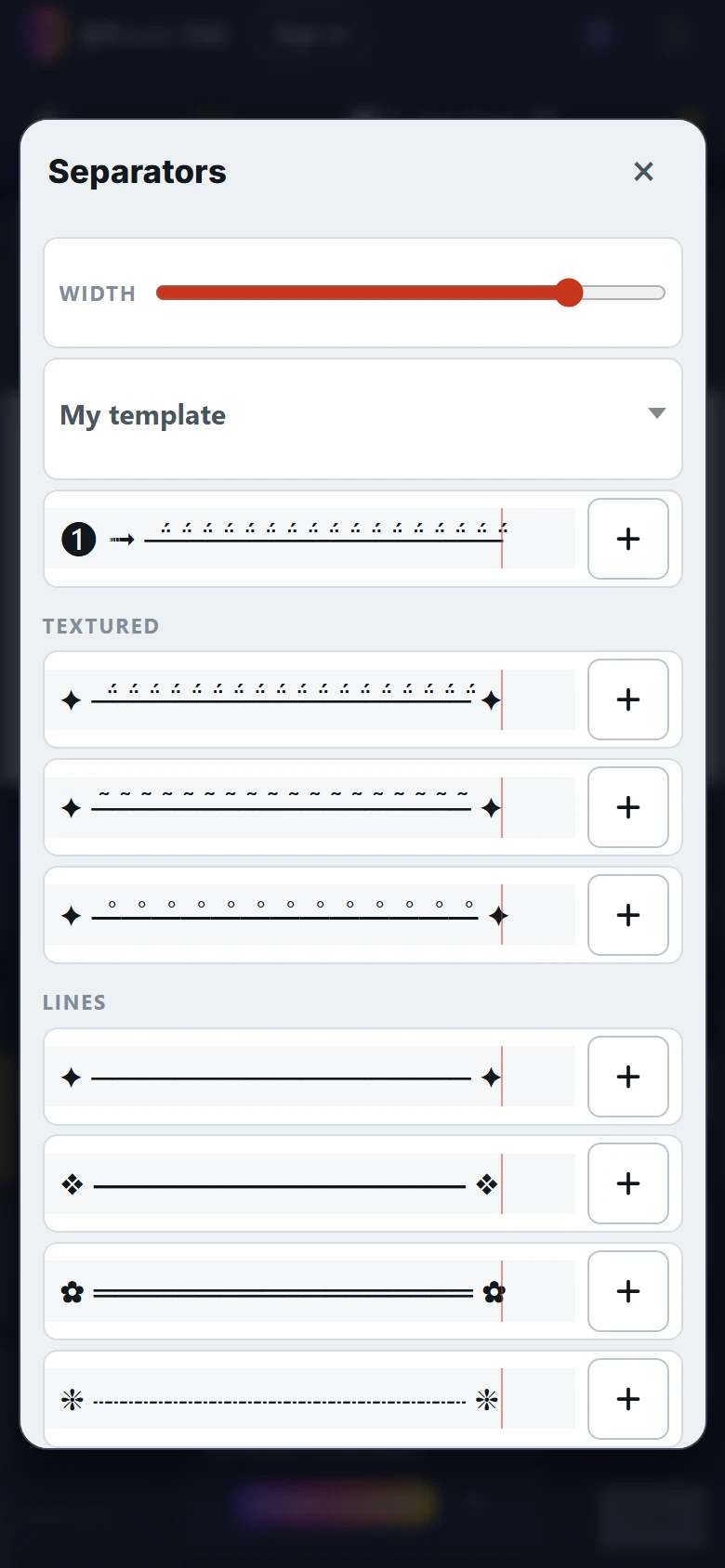
What is it?
In the Emojis & Symbols panel of ETeext, a Separators button opens a collection of 34 ready-made patterns you can place in your text, grouped in six families: Textured, Lines, Blocks, Emoji, Headings and Arrows. Tap the one you want and it lands at the cursor — exactly like an emoji.
The patterns themselves carry no label: you see the line, not its name. Each one does have a name, translated into your language — read out by screen readers, so the feature stays usable without looking at it.
They are there to divide: separating two parts of a post, closing a message with a signature, opening a section in a bio.
The width control, and what it does not tell you
A single control lengthens or shortens every pattern at once. That is what lets you compare them at equal length, because characters are not all the same width: a thin rule takes noticeably less room than a wave, so the same number of them produces lines of very different lengths. The app measures the glyphs and works out how many repetitions each pattern needs.
It is a reference point, not a prediction. The control calibrates against the width of the ETeext screen, while your text will end up somewhere else — a bio, a private message, a chat room. It lets you compare patterns with each other; it says nothing about the room they will take at the other end.
“My template”: your own line
A field lets you paste your own run of characters, composed in ETeext or anywhere else. The app works out which part repeats, and the width control stretches it like the others.
The detection handles symmetry: ──── ✦ ──── grows on both sides at once, instead of only lengthening at one end.
- Three slots keep your favourite templates from one visit to the next.
- They are stored on your device, in the browser — nothing is sent anywhere, and it works offline.
- As with your most-used emojis, they belong to this device and this browser: clearing the browser data resets them.
It works in every script
This is what sets separators apart, and it matters: a separator is geometric, not alphabetic. It transforms no letter — it lays down rules, blocks, arrows. So it looks exactly the same whatever language your text is written in, Cyrillic and Devanagari included.
It is free, and needs no account.
One reserve: Safe Mode flattens the textured lines
Three patterns in the Textured family rely on stacked marks — precisely what Safe Mode removes when you copy. With it on, ✦ ─̃─̃─̃─̃ ✦ comes out as ✦ ──── ✦: the texture is gone, an ordinary rule remains.
This is not a fault. Safe Mode is doing its job, and those marks are exactly what breaks on the most limited readers. But it is worth knowing before you pick a textured pattern for a signature.